Generate and edit AI images, without the credit meter
AI Images Toolkit renders on a free Google Colab GPU. Write a prompt, generate an image, then refine it in a full editing studio — no subscription, no balance to watch.
- Free to start
- Editing studio included
- Personal image library
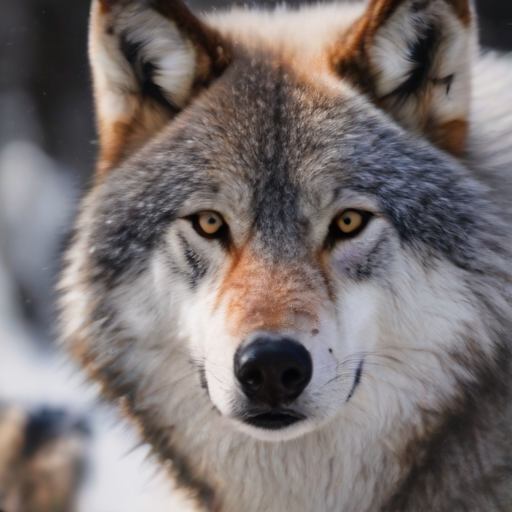
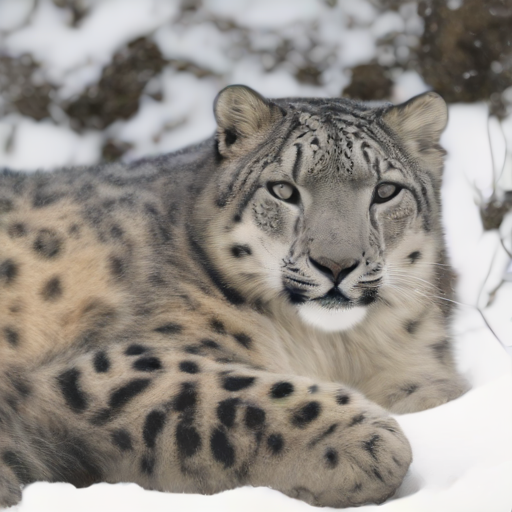
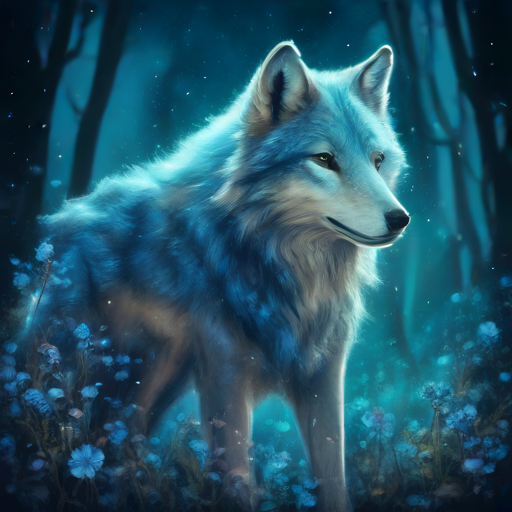
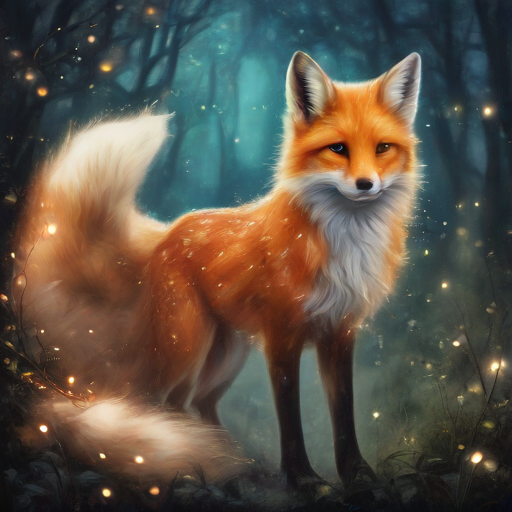
How it works
From a blank prompt to a finished image
Three steps, all in one place.
Generate
Describe the image you want. A Colab GPU wakes up on demand and renders it in a minute or two.
Edit
Refine the result in Image Studio — crop, blend, filter, annotate and apply style transfer.
Save
Every version lands in your personal library, organized and ready whenever you need it.
Features
Built for creating, not billing
What you get when the generator runs on free hardware instead of a metered API.
No credits, no subscription
Generation runs on Google Colab's free GPU tier — no paid API keys and no per-image charges.
A full editing suite
Adjust, crop, composite, annotate and restyle inside the built-in Image Studio.
Everything in one library
Every generation and edit is saved automatically, ready to revisit, re-edit or download.
No third-party image API
Images are rendered on a GPU runtime you connect, not routed through a paid image service.
Kaggle as a backup GPU
If Colab has no free GPU or you hit its limit, connect a Kaggle account and generate there instead.
Wakes up on demand
No always-on server to babysit. The GPU is started when you generate and the app shows its progress.
Image Studio
Finish the image where you made it
No exporting to another app just to crop or add a caption.
- Basic adjustments
- Transform & crop
- Style transfer
- Compositing
- Annotate & draw
- Watermarks
FAQ
Good questions
The short, honest answers.
Is it really free?
The app doesn't charge per image. Generation uses Google Colab's free GPU tier, which has its own usage limits and isn't always available — that's why you can connect Kaggle as a backup.
How long does a generation take?
Usually a minute or two. If the GPU has to start from cold it takes longer, and you can watch its status in the app while it wakes up.
Where do my images go?
Everything you generate or edit is saved to your personal library, so you can reopen, re-edit or download it later.
Do I need to install anything?
No. It runs in your browser; the heavy lifting happens on the remote GPU runtime.
Connect your GPU and start creating
Setting up your first generation takes about a minute.